Top100 Tech Lab may earn a commission from qualifying purchases when affiliate tracking is active. This never changes what you pay or how we frame our advice. Read the full disclosure.
Add inputs for a console, streamer, and laptop without silently losing the picture or audio modes you care about.
A real-life starting point
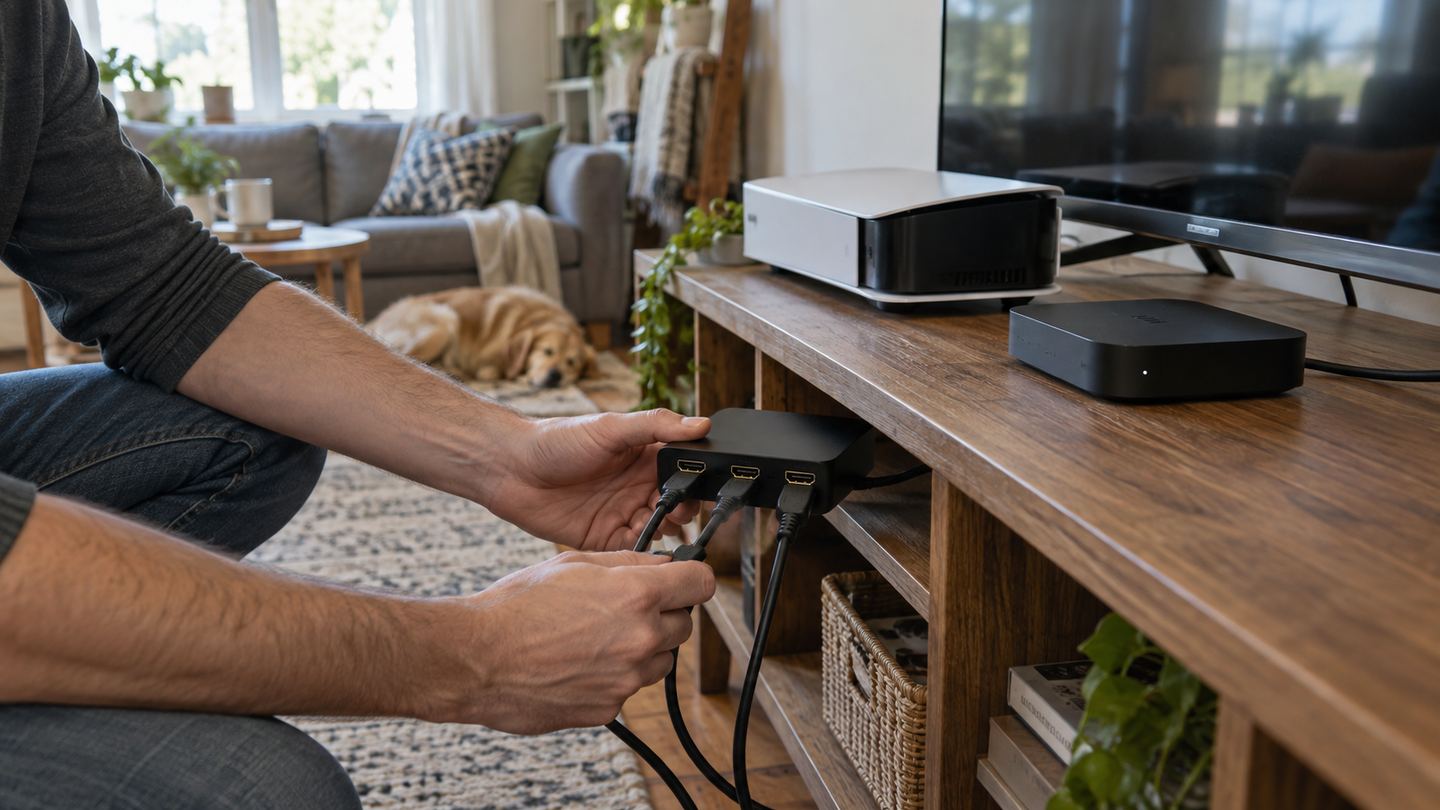
A television has two usable HDMI inputs, but the family wants a console, streaming box, and occasional work laptop connected. An inexpensive switch solves port count only if it passes the resolution, refresh, HDR, audio, and control signals needed by those devices.
One-button switching is easy until a device turns on and changes inputs unexpectedly. Cable length, power supply, and placement behind a cabinet determine whether the purchase feels tidy or becomes another troubleshooting job.
Three useful buying paths
These are practical search directions rather than fixed winners. Product versions, sellers, availability, and prices change, so verify the current listing against the checklist below.
Three-input manual HDMI switch
A low-complexity solution for streaming and standard console use.
High-bandwidth HDMI switch with documented mode support
Better for demanding console and display combinations when verified end-to-end.
Powered switch with remote selection
Makes sources reachable when the unit cannot sit beside the TV.
Amazon availability and prices can change at any time. Match the full model, included accessories, seller, and return terms before ordering.
What matters before you buy
Input count
Include one spare for an occasional laptop, but do not buy a large matrix switch when all sources feed one screen.
Signal features
Check support for the exact display and source modes, including refresh, HDR, variable refresh, and audio formats where relevant.
Cable chain
Every cable and connector must support the desired mode. A switch cannot compensate for a weak cable or incompatible TV port.
Power and control
Some switches rely on source power and behave poorly with sleeping devices; a powered unit can offer more predictable operation.
Automatic behavior
Auto-switching is convenient for one person but frustrating when several devices wake in a shared room. Look for a manual override.
How to make the choice
Write down the signal path from each source to the screen and sound system. If an audio receiver or soundbar is involved, read the exact routing requirements before adding a switch. Buy the mode that the TV can actually display, not the largest number on a listing.
When the switch arrives, test every input using the settings that matter most. Keep cables short and labeled, provide power when specified, and place the button or remote where the household can use it without moving the entire cabinet.
Your five-minute pre-purchase check
- Write down the exact devices, room, and routine the product must support.
- Open the manufacturer documentation for the precise model or regional variant.
- Price required cables, mounts, subscriptions, consumables, or adapters.
- Confirm seller identity, warranty route, delivery contents, and return window.
- Save the listing details you relied on because marketplace pages can change.
Common mistakes to avoid
- Confusing an HDMI switch with a splitter
- Assuming a version label guarantees every gaming feature
- Ignoring the soundbar or receiver in the signal chain
Buy for the routine, not the headline
For most crowded TV stands, a clearly specified powered switch with enough inputs and a manual selection method is more useful than a complicated box of promises.
Frequently asked questions
Does a switch let two screens show different sources?
A basic switch sends one chosen input to one output. Separate simultaneous routes require a different device, often a matrix.
Why did my console fall back to a lower mode?
One component in the source-switch-cable-TV chain may not support the mode. Check each part and port setting.
How this guide was prepared
Top100 Tech Lab organized this guide around a real purchasing situation, the capabilities commonly documented for this category, compatibility checks, and the costs that often appear after checkout. We do not present manufacturer claims as independent measurements, and we do not invent personal test results. When a listing conflicts with official documentation, use the manufacturer’s exact model information and contact the seller before buying.