Top100 Tech Lab may earn a commission from qualifying purchases when affiliate tracking is active. This never changes what you pay or how we frame our advice. Read the full disclosure.
Bring a console picture into a streaming computer without losing the display mode you enjoy while playing.
A real-life starting point
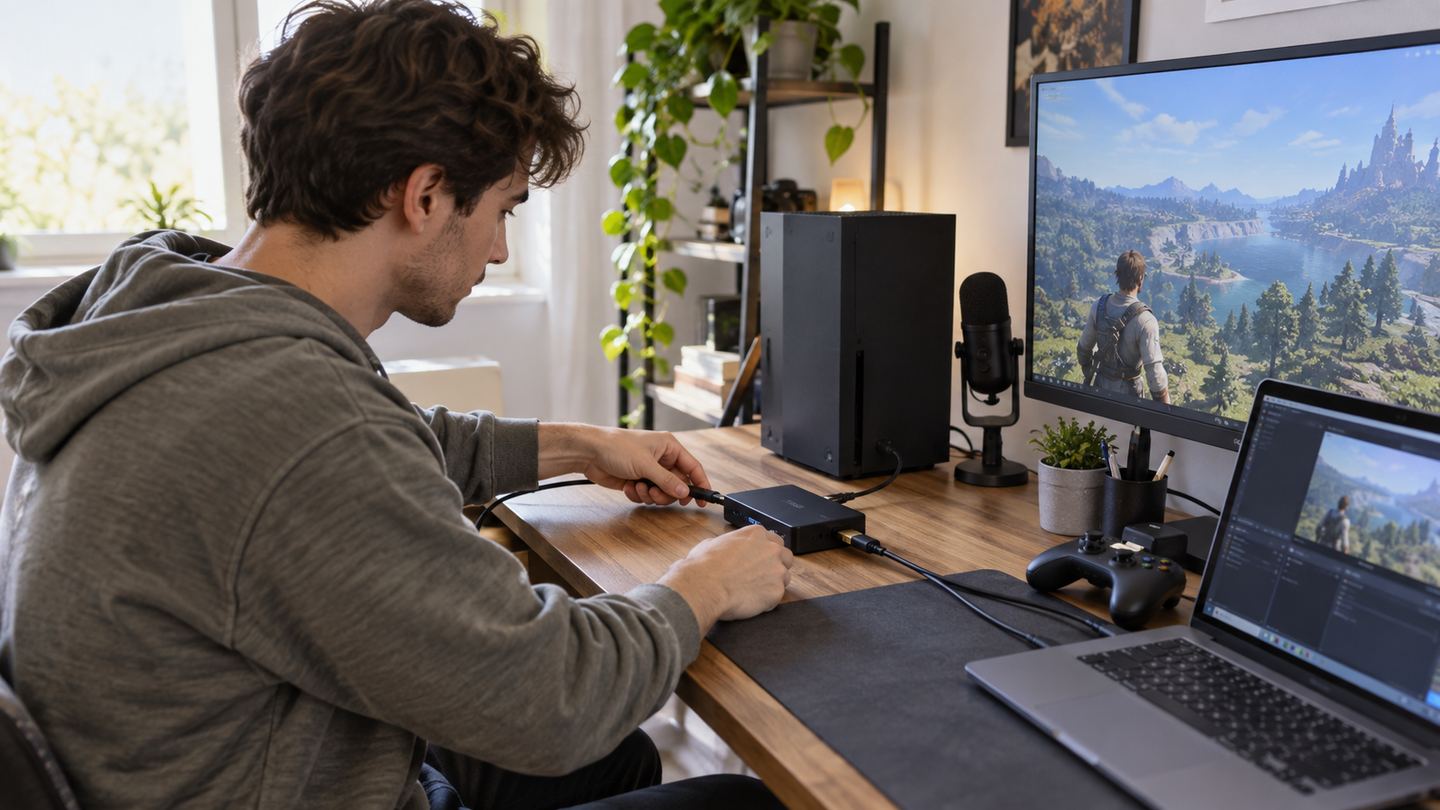
A beginner wants to stream a console game from a laptop while still playing on a television. The capture card must pass the picture to the TV and deliver a usable feed to the computer; recording specifications and passthrough specifications can be different.
Chat microphone, game audio, and party chat add another layer. Buying a capture box before drawing the signal route often leaves one voice missing from the final recording.
Three useful buying paths
These are practical search directions rather than fixed winners. Product versions, sellers, availability, and prices change, so verify the current listing against the checklist below.
USB external capture card with HDMI passthrough
A manageable console-to-laptop route for basic streaming.
Capture card with documented high-mode passthrough
Preserves supported gameplay modes while recording differently.
Internal PC capture card
Keeps cables inside a fixed streaming workstation.
Amazon availability and prices can change at any time. Match the full model, included accessories, seller, and return terms before ordering.
What matters before you buy
Source and display
Check the exact console output, television modes, and passthrough capability together.
Capture format
Streaming software and computer performance must handle the chosen resolution and frame rate.
Computer port
USB connector shape, bandwidth, and operating-system driver support can differ.
Audio
Plan game, microphone, chat, and headphones before ordering adapters.
Copy protection
Protected video services may not be capturable; do not buy assuming every HDMI source can be recorded.
How to make the choice
Draw the path on paper: console to capture device to display, with a USB feed to the computer. Add every audio source and where it should be heard. Test streaming software with a webcam before buying to see whether the computer can encode reliably.
Start with one clean scene and a short private recording. Inspect sound sync and passthrough behavior in the actual game mode before announcing a stream. A capture card cannot compensate for weak upload bandwidth or unclear audio routing.
Your five-minute pre-purchase check
- Write down the exact devices, room, and routine the product must support.
- Open the manufacturer documentation for the precise model or regional variant.
- Price required cables, mounts, subscriptions, consumables, or adapters.
- Confirm seller identity, warranty route, delivery contents, and return window.
- Save the listing details you relied on because marketplace pages can change.
Common mistakes to avoid
- Confusing capture resolution with passthrough mode
- Ignoring party-chat audio routing
- Assuming protected video can be captured
Buy for the routine, not the headline
A clearly documented external capture card is the sensible beginner route when its source, display, computer, and audio chain are all mapped first.
Frequently asked questions
Can I play at one resolution and stream at another?
Some devices support different passthrough and capture modes; verify both in the exact model documentation.
Will a capture card improve stream quality by itself?
It supplies a source feed. Encoding, lighting, audio, and network conditions still shape the stream.
How this guide was prepared
Top100 Tech Lab organized this guide around a real purchasing situation, the capabilities commonly documented for this category, compatibility checks, and the costs that often appear after checkout. We do not present manufacturer claims as independent measurements, and we do not invent personal test results. When a listing conflicts with official documentation, use the manufacturer’s exact model information and contact the seller before buying.