Top100 Tech Lab may earn a commission from qualifying purchases when affiliate tracking is active. This never changes what you pay or how we frame our advice. Read the full disclosure.
Move enough air through a gaming PC without turning a shared bedroom into a constant hum.
A real-life starting point
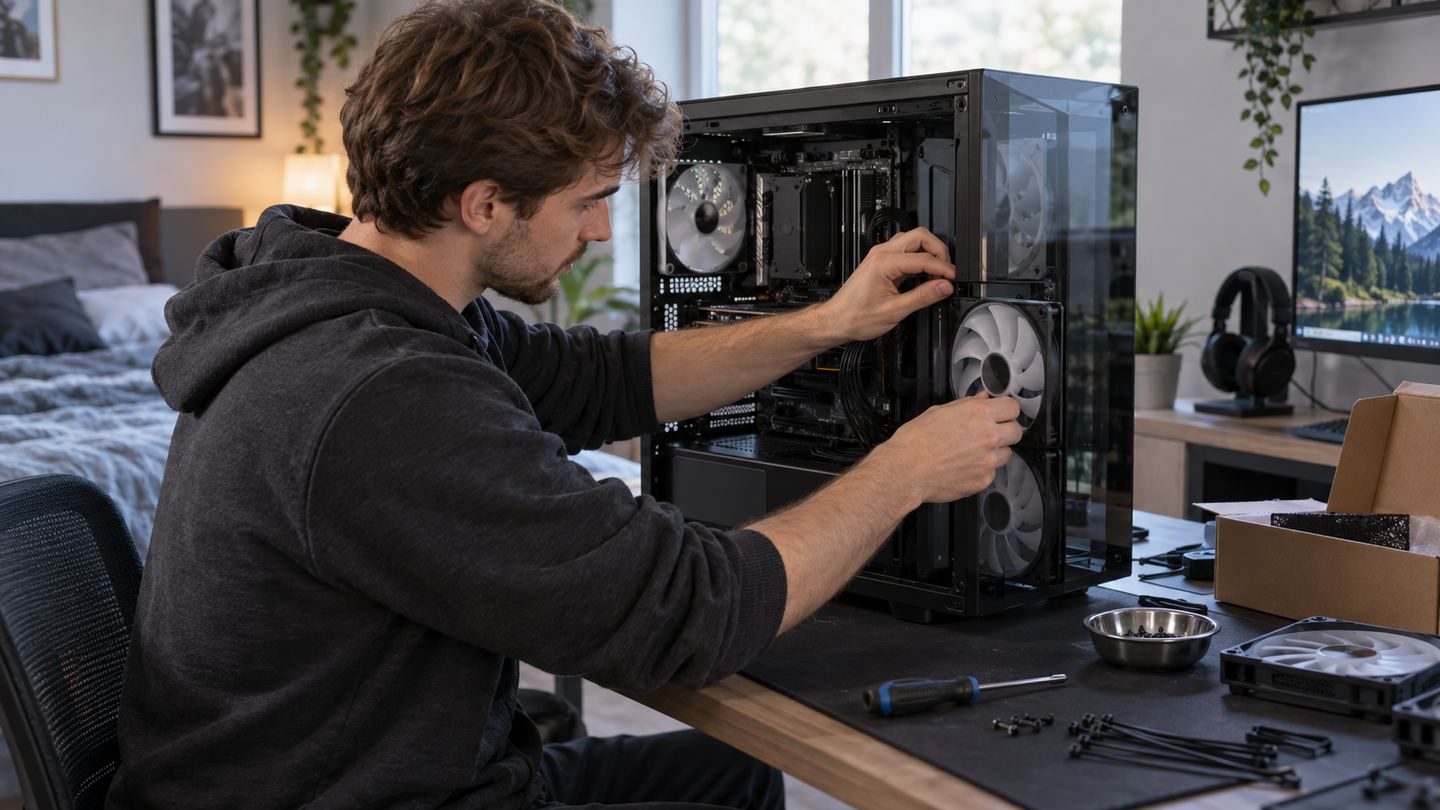
A desktop becomes loud during an evening game while a roommate studies nearby. Replacing fans may help, but dust filters, obstructed vents, and an aggressive fan curve can create noise even with good hardware.
Another owner buys a large fan that will not fit the case or uses connectors the motherboard cannot control. A careful measurement and airflow plan must come before ordering a bundle.
Three useful buying paths
These are practical search directions rather than fixed winners. Product versions, sellers, availability, and prices change, so verify the current listing against the checklist below.
Quiet case fan matching existing size
A straightforward swap when current placement is sound.
Larger compatible case fan
Can move air at lower speed when the case accepts it.
Matched fan set with controller
Useful when several intake and exhaust positions need coordination.
Amazon availability and prices can change at any time. Match the full model, included accessories, seller, and return terms before ordering.
What matters before you buy
Case fit
Measure mounting holes, thickness clearance, and radiator or drive-cage conflicts.
Connector
Check motherboard headers, PWM or voltage control, and any proprietary hub requirements.
Air path
Intake and exhaust should follow the case's intended route without fighting filters and solid panels.
Noise source
Determine whether the sound comes from case fans, CPU cooler, GPU, or power supply before replacing parts.
Maintenance
Accessible filters and simple cleaning affect long-term temperature and noise.
How to make the choice
Record current fan positions and temperatures from available system tools, then clean filters and test a gentler safe fan curve. Power down and follow PC maker safety guidance before opening the case or touching components.
Buy only sizes and connector types the case and board support. After installation, verify every fan spins, observe temperatures under normal games, and keep cables clear of blades. Quietness is a system result, not one fan's box label.
Your five-minute pre-purchase check
- Write down the exact devices, room, and routine the product must support.
- Open the manufacturer documentation for the precise model or regional variant.
- Price required cables, mounts, subscriptions, consumables, or adapters.
- Confirm seller identity, warranty route, delivery contents, and return window.
- Save the listing details you relied on because marketplace pages can change.
Common mistakes to avoid
- Replacing case fans when the GPU is the real noise source
- Buying the wrong thickness or header type
- Running an untested slow curve under heavy load
Buy for the routine, not the headline
Measure first, clean and tune second, replace only the fans that solve a documented fit and airflow problem. A larger low-speed fan can help when the case supports it.
Frequently asked questions
Will more fans always make a PC quieter?
No. Placement and curves matter; extra fans can add noise or disrupt airflow.
Can I use any fan with my motherboard?
Check header type, voltage, current limits, and case clearance before installing.
How this guide was prepared
Top100 Tech Lab organized this guide around a real purchasing situation, the capabilities commonly documented for this category, compatibility checks, and the costs that often appear after checkout. We do not present manufacturer claims as independent measurements, and we do not invent personal test results. When a listing conflicts with official documentation, use the manufacturer’s exact model information and contact the seller before buying.