Top100 Tech Lab may earn a commission from qualifying purchases when affiliate tracking is active. This never changes what you pay or how we frame our advice. Read the full disclosure.
Watch a film after the household sleeps without dialogue delay or tangled couch cables.
A real-life starting point
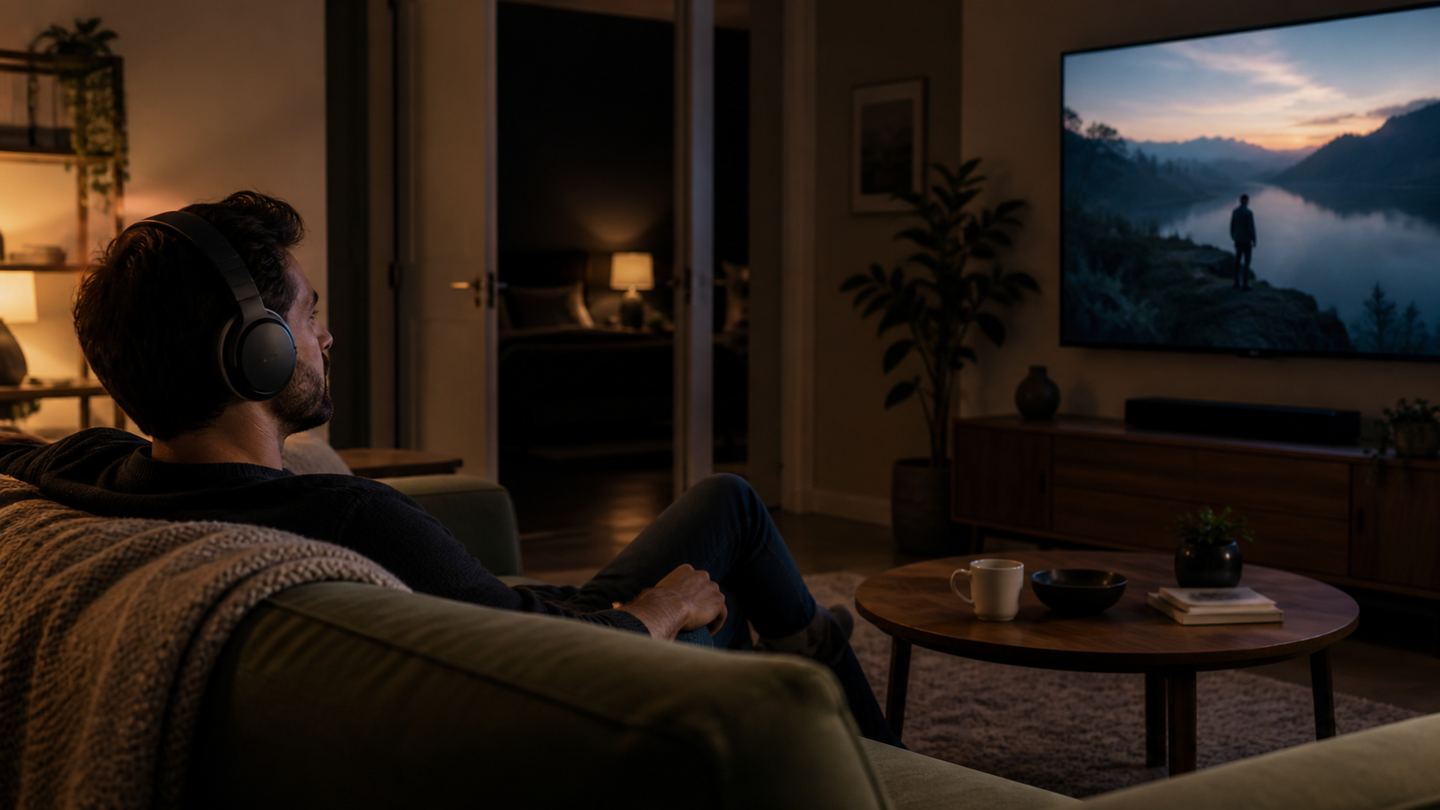
One roommate sleeps early, another wants to watch a film without waking them. A wireless headphone connection seems simple until the television disables its speakers or the audio arrives noticeably after the lips move.
A family might also want one listener to use headphones while someone else hears the TV normally. That simultaneous-output feature varies by TV and audio setup; it must be checked before ordering a headset.
Three useful buying paths
These are practical search directions rather than fixed winners. Product versions, sellers, availability, and prices change, so verify the current listing against the checklist below.
Comfortable Bluetooth headphones for a compatible TV
Uses the TV's own wireless audio when latency is acceptable.
TV headphone kit with dedicated transmitter
A known transmitter-receiver pair can simplify setup.
Long-cable wired headphones
An inexpensive option when the sofa and headphone jack allow it.
Amazon availability and prices can change at any time. Match the full model, included accessories, seller, and return terms before ordering.
What matters before you buy
TV output
Identify Bluetooth, optical, analog, or receiver outputs on the exact television.
Lip sync
Wireless codecs and TV processing can add delay; verify the complete paired system rather than one component's claim.
Shared audio
Check whether the TV can play through speakers and headphones at the same time if the household needs that.
Comfort
Long film sessions favor lighter clamp pressure, washable cushions, and easy volume adjustment.
Charging
A docking base may be easier for nightly use than a small cable hidden behind a TV stand.
How to make the choice
Before shopping, open the TV's audio menu and record its available outputs and simultaneous-playback options. Test existing Bluetooth headphones if the TV supports them. That experiment reveals whether a separate transmitter is necessary.
Choose an audio route that every household member can operate. Keep the transmitter visible enough to check its status, label the input, and avoid high volume simply because the headset hides room noise.
Your five-minute pre-purchase check
- Write down the exact devices, room, and routine the product must support.
- Open the manufacturer documentation for the precise model or regional variant.
- Price required cables, mounts, subscriptions, consumables, or adapters.
- Confirm seller identity, warranty route, delivery contents, and return window.
- Save the listing details you relied on because marketplace pages can change.
Common mistakes to avoid
- Assuming every TV has Bluetooth audio output
- Buying a headset without checking simultaneous speaker use
- Ignoring lip-sync delay during dialogue
Buy for the routine, not the headline
The right TV headphone setup starts with the television's actual output and household listening rules. A dedicated transmitter can be the sensible route when built-in Bluetooth is troublesome.
Frequently asked questions
Can TV speakers and headphones play together?
Some televisions and audio setups support it, others do not. Check the exact model's audio settings.
Why do voices seem late?
Wireless transmission and video processing can add latency. Check the whole TV-transmitter-headphone path.
How this guide was prepared
Top100 Tech Lab organized this guide around a real purchasing situation, the capabilities commonly documented for this category, compatibility checks, and the costs that often appear after checkout. We do not present manufacturer claims as independent measurements, and we do not invent personal test results. When a listing conflicts with official documentation, use the manufacturer’s exact model information and contact the seller before buying.