Top100 Tech Lab may earn a commission from qualifying purchases when affiliate tracking is active. This never changes what you pay or how we frame our advice. Read the full disclosure.
Keep years of family photos in more than one place without mistaking a single drive for a backup strategy.
A real-life starting point
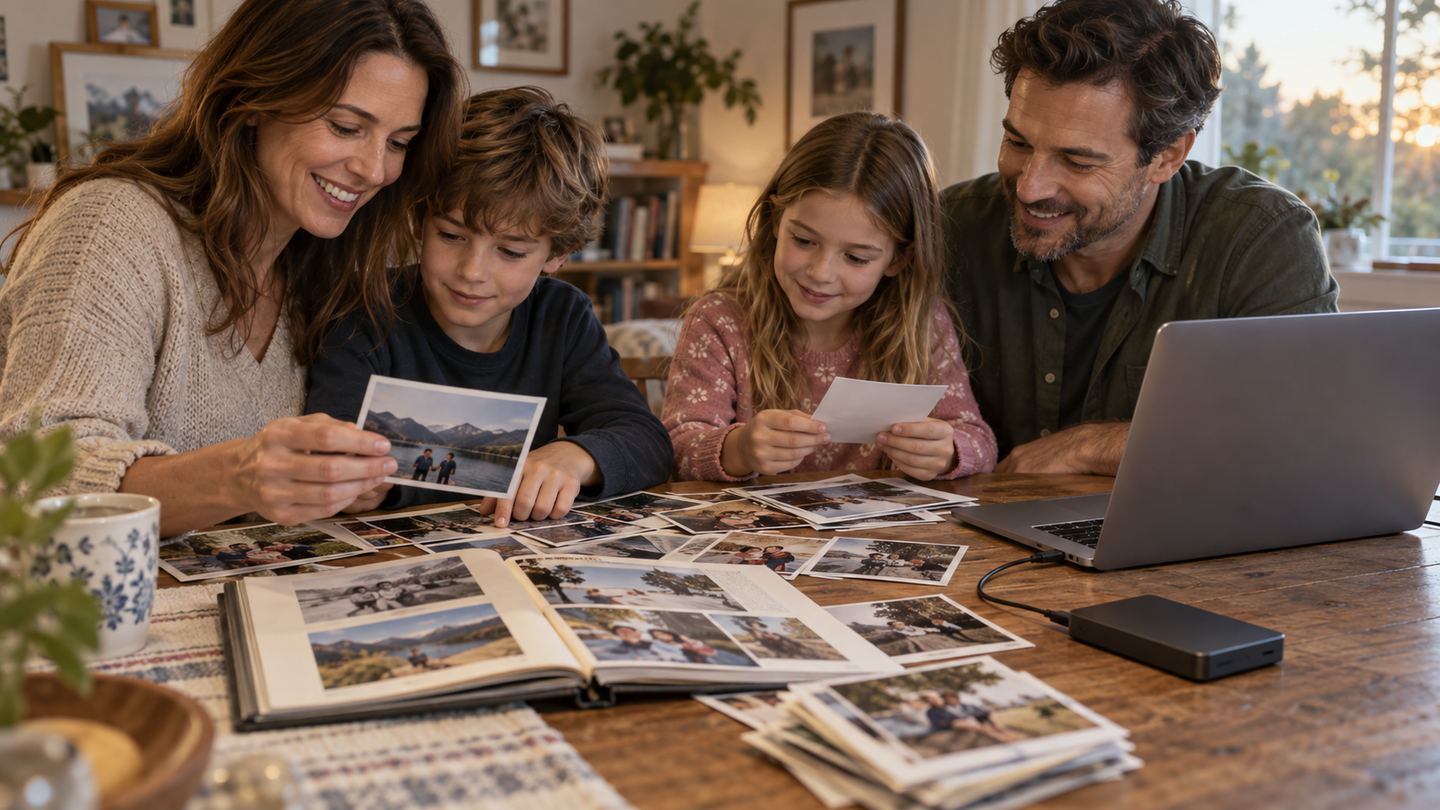
A parent's phone is almost full, a child's camera has summer videos, and an old laptop still holds the only copy of baby photos. Buying one large hard drive is useful, but moving everything onto it and deleting the originals creates a new single point of failure.
The better routine includes at least one independent second copy and occasional restore checks. A portable spinning drive is affordable for bulk storage, while a desktop drive can offer more capacity but needs wall power.
Three useful buying paths
These are practical search directions rather than fixed winners. Product versions, sellers, availability, and prices change, so verify the current listing against the checklist below.
Portable external hard drive
Easy to store and connect for periodic family copies.
Desktop external hard drive
More room for growing collections at a fixed location.
Portable SSD for active photo work
Smaller and less vulnerable to bumps while files are in use.
Amazon availability and prices can change at any time. Match the full model, included accessories, seller, and return terms before ordering.
What matters before you buy
Real capacity
Estimate current photo and video totals, then leave room for growth and the backup software's history.
Two-copy plan
A drive is only one copy. Keep another on a separate device, location, or suitably configured cloud service.
Connector
Check computer ports, included cable, and phone-import needs; a new connector may still require a host that reads the file system.
Handling
Spinning drives should not be moved during operation. Consider a robust case and careful storage.
Restore test
Confirm files open, folders make sense, and the backup can actually be recovered before deleting anything.
How to make the choice
Inventory every device and gather originals into dated folders. Copy rather than move, then spot-check representative photos and long videos. Write down where the second independent copy lives and when you will refresh it.
Choose a drive from a traceable seller with documented support. Treat warranty and replacement as financial protection, not data recovery. If a drive fails, the second copy—not a premium label—should carry the family archive through.
Your five-minute pre-purchase check
- Write down the exact devices, room, and routine the product must support.
- Open the manufacturer documentation for the precise model or regional variant.
- Price required cables, mounts, subscriptions, consumables, or adapters.
- Confirm seller identity, warranty route, delivery contents, and return window.
- Save the listing details you relied on because marketplace pages can change.
Common mistakes to avoid
- Moving the only originals onto one external drive
- Never testing a restore
- Assuming a drive warranty guarantees recovery of lost photos
Buy for the routine, not the headline
For bulk family photos, a straightforward external hard drive is useful when paired with a second independent copy and a calendar-based restore check.
Frequently asked questions
Is one external drive enough for backup?
No. One copy can fail, be lost, or be damaged alongside the original device. Keep another independent copy.
Should I use a hard drive or SSD?
Bulk archives often favor hard-drive capacity; active, frequently transported files may benefit from an SSD. Neither replaces a multi-copy plan.
How this guide was prepared
Top100 Tech Lab organized this guide around a real purchasing situation, the capabilities commonly documented for this category, compatibility checks, and the costs that often appear after checkout. We do not present manufacturer claims as independent measurements, and we do not invent personal test results. When a listing conflicts with official documentation, use the manufacturer’s exact model information and contact the seller before buying.